
How to Design a Hybrid Consulting Room: Flexible Space Setup Guide
The way we work has changed for good. Hybrid working is now the norm for consultants, coaches, and independent professionals across the UK, and demand for flexible workspace has grown with it. According to recent data from The British Council for Offices, Grade A office demand increased by 70% in 2025, with flexible and hybrid spaces leading that growth. Peter Klein, a psychotherapist based in Richmond, London, says that many mental health professionals have moved their private practice to a hybrid model so they can sublet to others. The shift has picked up since the pandemic, as more professionals work from home at least part of the week and no longer need a full-time office.
📋 In This Guide
- Understanding the Hybrid Workspace Revolution
- Core Design Principles for Hybrid Consulting Rooms
- Practical Design Elements
- Equipment and Technology Checklist
- Health and Safety Compliance
- Budget Planning for Different Scenarios
- Implementation Timeline
- Common Mistakes to Avoid
- Professional Practice Resources
- Comments
Renting a room by the hour, running a part-time practice, or shaping a space that serves several kinds of work all raise the same point: a hybrid consulting room takes more planning than most people expect. This guide walks through what it takes to create a flexible, professional environment that fits the way different practitioners actually work.
Understanding the Hybrid Workspace Revolution
What Is a Hybrid Consulting Room?
A hybrid consulting room is a professional space built to handle more than one use and more than one layout. Where a traditional office does a single job, a hybrid room can be rearranged to support:
- One-to-one consultations
- Small group workshops or training sessions
- Video conferencing and remote meetings
- Administrative work and focused tasks
- Collaborative sessions with colleagues
Office rents in major UK cities keep climbing. London Grade A space now averages £75-120 per square foot, according to Knight Frank, so getting the most out of every square metre matters. Space rarely comes cheap. That goes double for sole practitioners, who usually cannot afford an office on their own and need to sublet. A well-designed hybrid room does the work of several dedicated spaces at once.
Core Design Principles for Hybrid Consulting Rooms
1. Flexible Furniture Configuration
Start with furniture you can move without a struggle:
Modular Seating
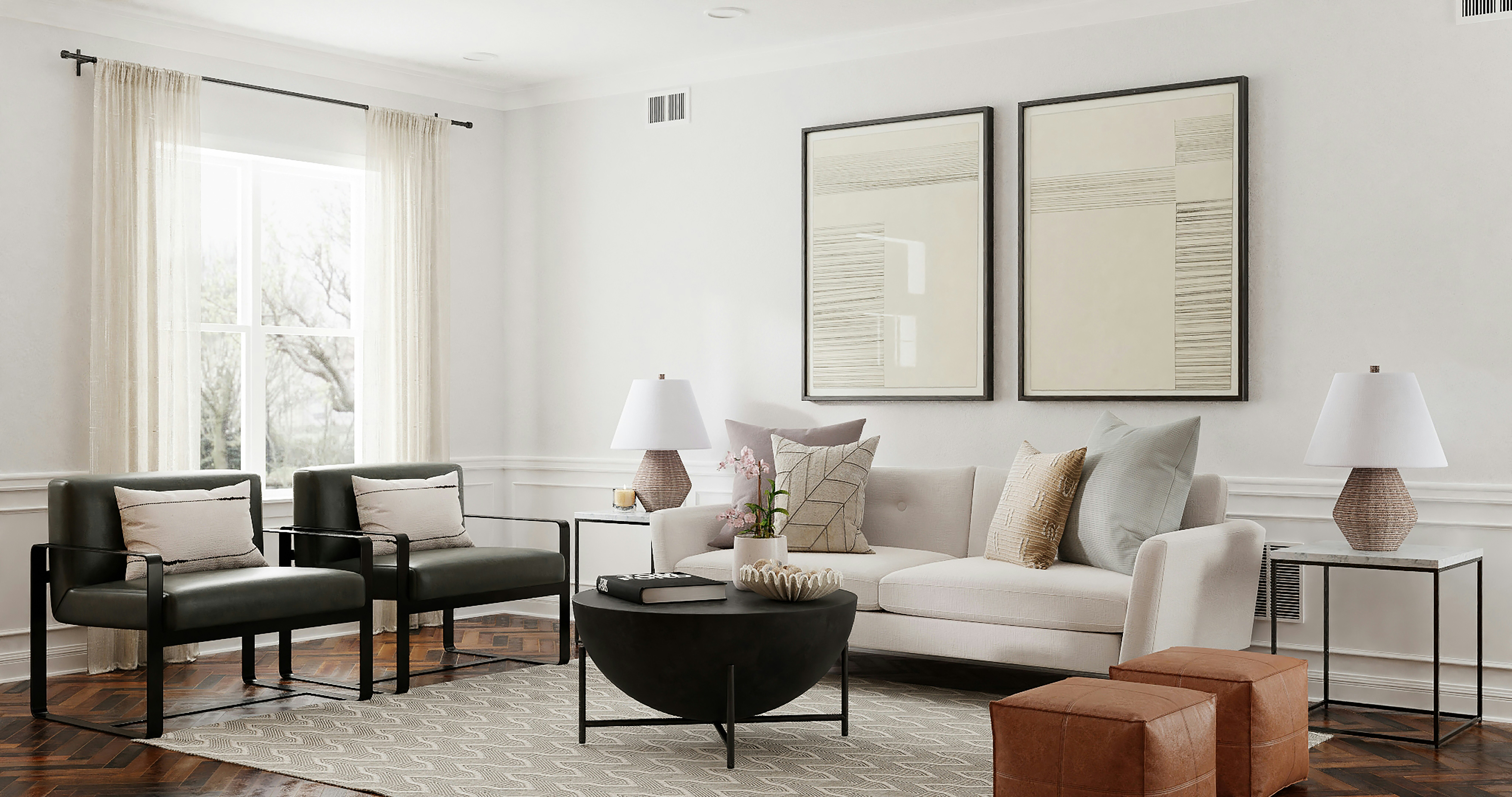
- Lightweight chairs that stack or nest when not in use
- Moveable ottomans that serve as extra seating or side tables
- Flip-top tables on castors for easy rearrangement
- Height-adjustable desks for sitting or standing work
Multi-Functional Pieces
- Storage ottomans that provide seating and organisation
- Wall-mounted fold-down desks for occasional use
- Nesting tables that expand for group work
- Room dividers on wheels for creating temporary zones
2. Technology Integration
Technology has to work without fuss when the room switches between uses:
Video Conferencing Setup
- Wall-mounted display or large monitor with adjustable positioning
- Quality webcam with wide-angle lens for room coverage
- Professional microphone, either ceiling-mounted or high-quality USB
- Ring light or adjustable lighting for video calls
- Cable management solutions to maintain clean aesthetics
3. Zoning and Spatial Design
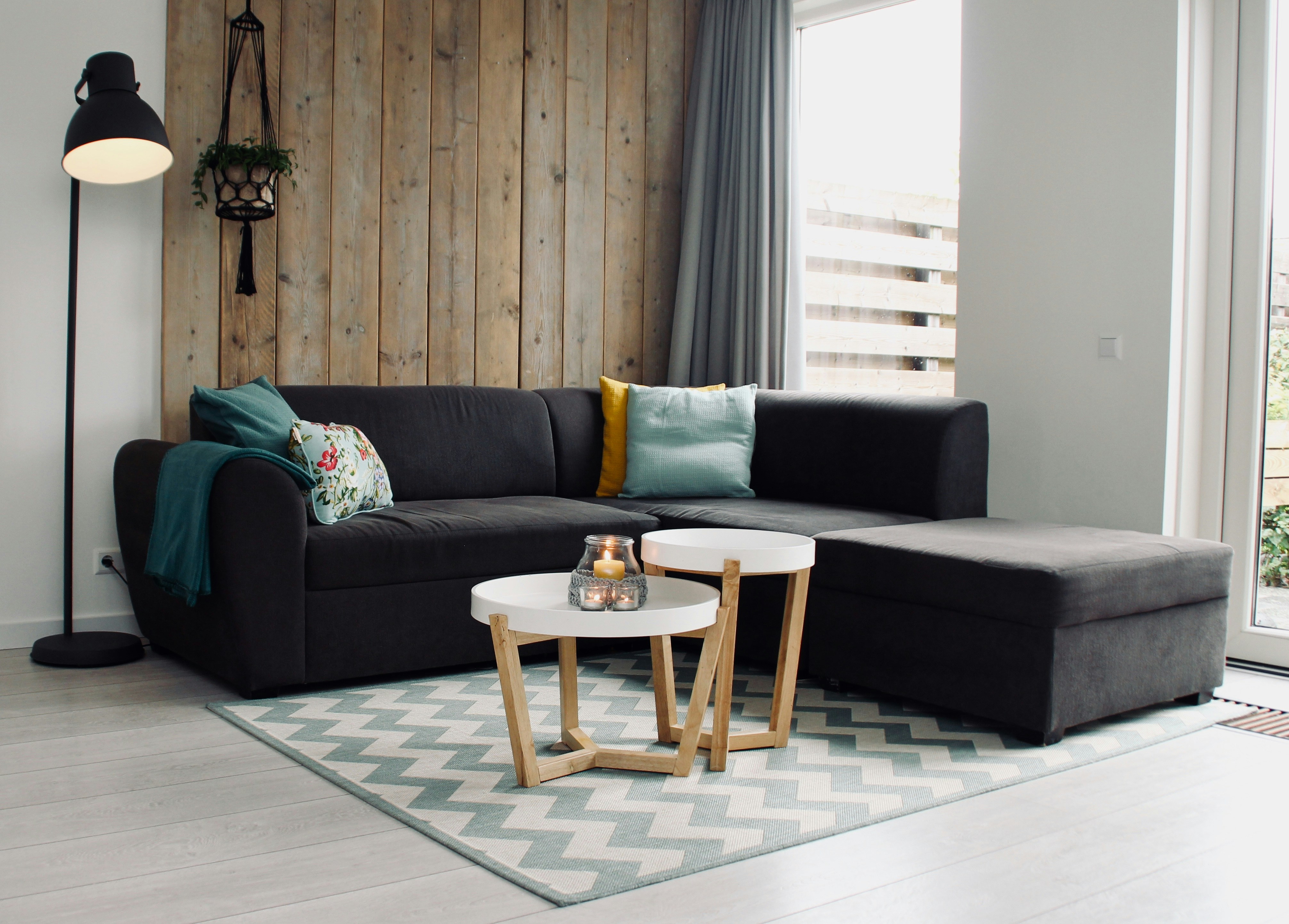
Even a small room works better when you set out clear zones:
Primary Consultation Zone
The main area for one-to-one work should have:
- Comfortable seating arranged for conversation (not across a desk)
- Good natural light or quality artificial lighting
- Minimal distractions and professional backdrop for video calls
- Easy access to refreshments and facilities
Collaborative/Group Zone
For workshops or team sessions:
- Table configuration that seats 4-8 people
- Whiteboard or flip chart for visual collaboration
- Additional lighting for note-taking and reading
Practical Design Elements
Lighting Design
Lighting matters twice over: it shapes how the room feels in person and how you look on camera.
Natural Light
- Maximise window exposure where possible
- Use sheer blinds or adjustable shades to control glare
- Position video setup to avoid backlighting from windows
Artificial Lighting
- Layered lighting: ambient, task, and accent
- Dimmable options for different activities and times of day
- Daylight-balanced bulbs (5000-6500K) for video calls
Acoustic Considerations
Privacy and sound quality come first:
- Soft furnishings (curtains, rugs, upholstered furniture) absorb sound
- Acoustic panels can be decorative as well as functional
- White noise machines or sound masking for confidentiality
- Door seals and weather stripping to prevent sound leakage
Equipment and Technology Checklist
Essential Technology
| Item | Purpose | Estimated Cost |
|---|---|---|
| High-quality webcam | Professional video presence | £100-£300 |
| USB microphone or headset | Clear audio for calls | £80-£250 |
| Ring light or LED panel | Consistent lighting for video | £40-£150 |
| Large monitor or TV | Screen sharing and presentations | £300-£800 |
| Mesh WiFi system | Reliable connectivity | £150-£400 |
Furniture Essentials
| Item | Features | Estimated Cost |
|---|---|---|
| Ergonomic office chair | Adjustable, supportive | £200-£600 |
| Comfortable client chairs (2) | Professional appearance | £150-£400 each |
| Height-adjustable desk | Sit-stand capability | £300-£800 |
| Modular table | Expandable, on castors | £200-£500 |
Health and Safety Compliance
Legal Requirements
Make sure your space meets HSE requirements:
- Adequate ventilation and fresh air circulation
- Appropriate fire safety equipment and clear escape routes
- Electrical safety: PAT testing for all portable equipment
- First aid kit readily available
Accessibility
The Equality Act 2010 sets its own requirements:
- Step-free access where possible
- Adequate space for wheelchair users (minimum 1500mm turning circle)
- Clear signage and wayfinding
Data Protection
To stay GDPR-compliant in your consulting room:
- Secure storage for physical files (lockable cabinets)
- Privacy screens for computer monitors
- Clear desk policy for sensitive materials
- Secure WiFi network separate from public access
Need a flexible consulting room? Browse our directory of professional spaces available for rent by the hour, day, or longer term. Find your perfect hybrid workspace in London, Manchester, Bristol, and across the UK.
Budget Planning for Different Scenarios
Budget Setup (£1,000-£2,000)
If you are just starting out or rent occasionally:
- Repurpose existing furniture where possible
- Focus spending on technology (webcam, microphone, lighting)
- Use portable room dividers rather than built-in solutions
Mid-Range Setup (£3,000-£6,000)
For regular part-time use:
- Quality ergonomic furniture for you and clients
- Professional video conferencing setup
- Proper acoustic treatment
Professional Setup (£8,000+)
For a full-time practice or a premium feel:
- Designer furniture and finishes
- Built-in technology and cable management
- Professional acoustic design
Implementation Timeline
Week 1-2: Planning
- Measure your space and create a floor plan
- Define your primary use cases and requirements
- Set your budget and prioritise spending
Week 3-4: Procurement
- Order technology equipment
- Purchase furniture (check lead times)
- Arrange any necessary trades
Week 5-6: Setup
- Install technology and test connectivity
- Arrange furniture in different configurations
- Test video call quality from various positions
Common Mistakes to Avoid
- Neglecting acoustics: Poor sound quality ruins video calls and compromises confidentiality
- Overlooking lighting: Inadequate or badly positioned lighting affects both video quality and in-person comfort
- Insufficient power outlets: Running extension leads looks unprofessional and creates trip hazards
- Ignoring cable management: Visible cables create clutter and reduce the professional appearance
- Choosing style over comfort: Uncomfortable seating affects session quality and duration
Conclusion
Designing a hybrid consulting room is an investment, and one most practitioners have to make at some point. A well-designed, adaptable space sets you apart. Looks are only half of it. The trick is balancing flexibility with professionalism. Your space needs to bend to different uses without losing the quality your work depends on. Start with the basics and let the room evolve as your practice grows.
The design also has to ‘work’ in practice. If you are a psychotherapist, for example, you don’t want a massage table in the middle of the room or stacks of nail polish left out in the open. Clients notice that sort of thing.
From a compact city centre room to a spacious suburban one, thoughtful design can shape a flexible space that serves you and your clients well for years.
